



Billionairespin app
Billionairespin app gives players quick access to games, payments, and account tools on phones, tablets and desktops. It uses the same profile as the main platform, so you can move between devices without losing your customized settings or recent activity.
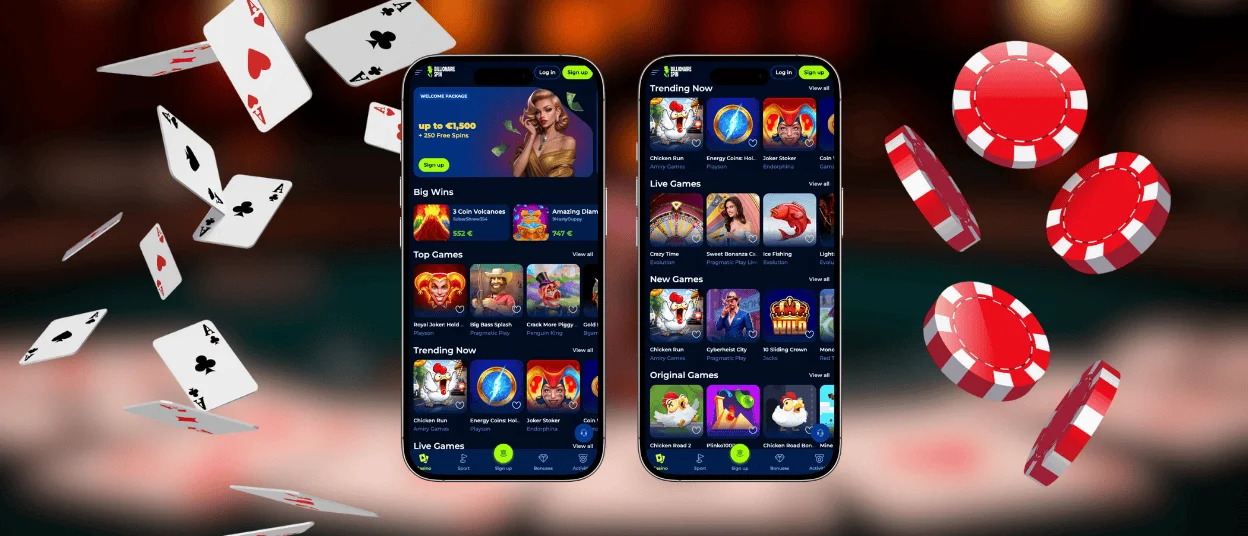
We built the mobile version to stay clear on smaller screens. Menus and finances are easy to locate, and you stay close to the lobby, and you use the same account for all devices. Billionairespin Casino keeps bonus progress and payment history in one place, which makes switching between mobile and desktop much easier.



Key features of the mobile version
The main goal of the Billionairespin app is simple. We want mobile access to feel fast, readable, and practical for daily use. That is why the layout is compact, the key buttons are easy to reach, and the main section is at hand.
This setup also works well for short sessions. A player can open the platform from a home screen icon, return to a recent section, and continue with the same account. Billionaire Spin app keeps the familiar structure of the main site but adapts it for touch control and smaller screens.
| Mobile feature | What it does | Why it helps |
| Home screen shortcut | Opens the platform from an icon instead of a browser search | Saves time before each session |
| App-style view | Removes most browser clutter from the screen | Gives more space to games and menus |
| Touch-friendly layout | Keeps buttons and navigation easy to tap | Makes mobile play more comfortable |
| Account sync | Uses the same profile on phone, tablet, and desktop | Keeps balance, history, and settings together |
| Built-in cashier access | Lets players handle deposits and withdrawals in one flow | Makes account use easier during play |
Billionairespin application for Android
The Billionairespin application on Android works through the browser and can be added to the home screen in a few taps. This gives fast access without an unnecessary store download or APK file. Once the shortcut is saved, the Billionairespin app opens in a focused mobile view and stays linked to the same account as the desktop version.
Chrome is usually the easiest browser for setup, although other modern browsers can also work well.
To add the shortcut on Android:
- Open our site in Chrome.
- In settings, choose the “Add to Home Screen” option.
- Confirm the icon name and save it.
Now you can log in to our platform anytime on your devices. The Billionaire Spin application updates automatically through the website, so players do not need to install new versions manually.
Billionairespin application for iOS
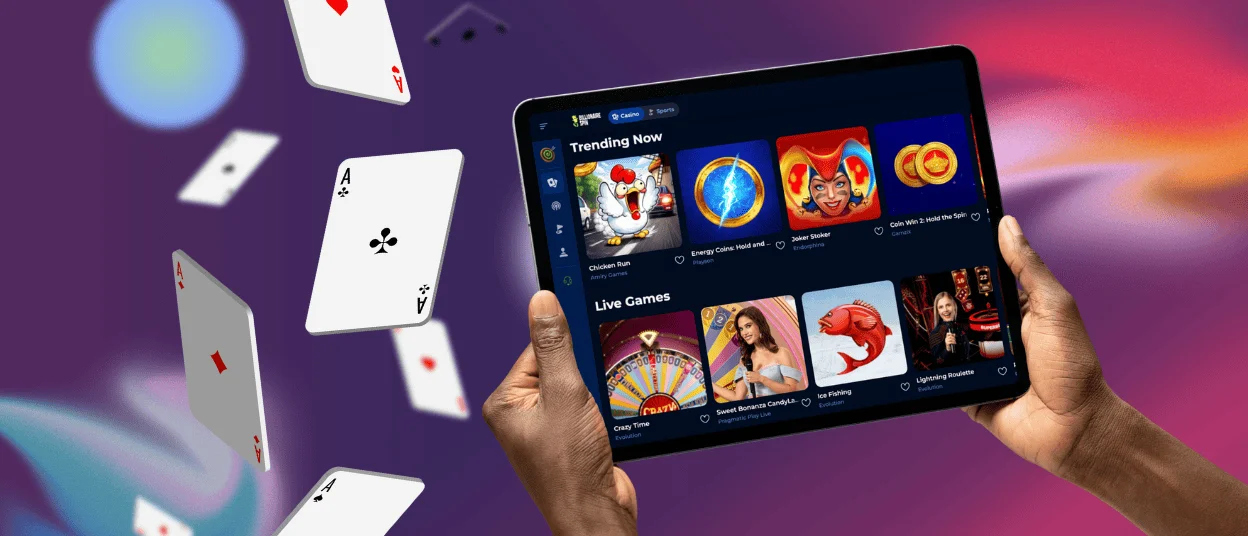
The Billionairespin application for iPhone and iPad runs in Safari and gives app-style access without an App Store install. After you add the shortcut, the platform opens from the home screen and uses a cleaner window with fewer browser elements.
On iOS, the layout is simple and easy to read. Game tiles and account tools are at hand, and the same profile connects mobile and desktop play. The Billionaire Spin app also works well on iPad in landscape mode, where players get more room for category browsing and live games.
Desktop access on Windows and macOS
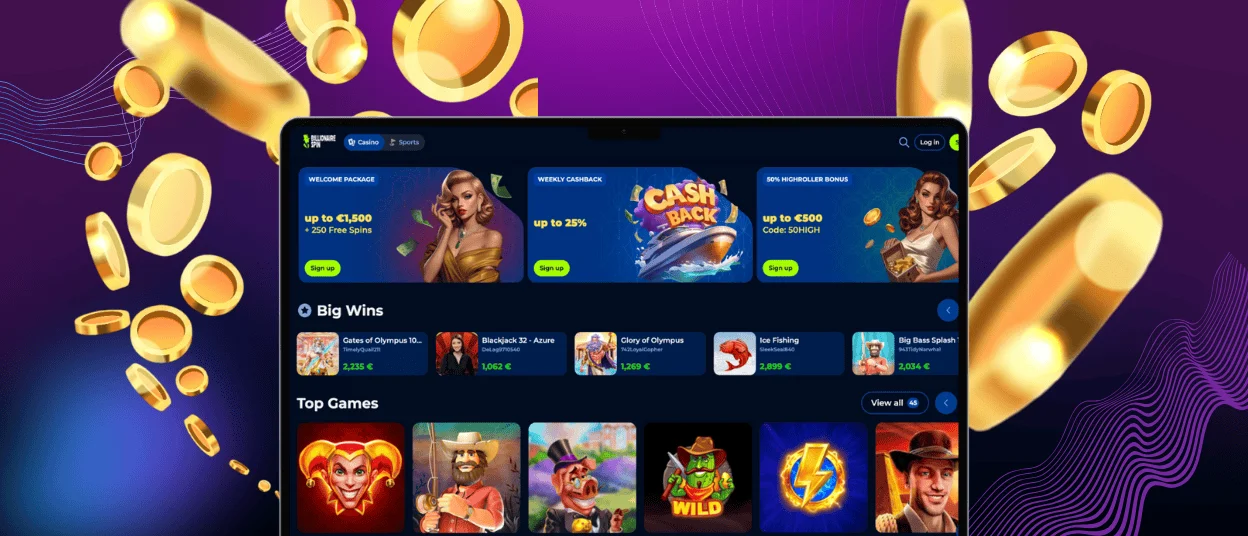
Many players prefer a desktop because the screen gives them more space to work with. It is easier to view the lobby, find games, and manage account sections without constant scrolling. Billionairespin Casino opens directly in the browser on Windows and macOS, so players can use the platform without installing extra software.
Desktop also makes longer sessions easier to manage. Live tables display better on a larger screen. Bonus details are simpler to read. Verification steps also feel more convenient when players need to check or upload documents. You can also open Billionaire Spin Casino from a browser shortcut, which gives faster access from the desktop.
| Platform | Best access path | Main benefit |
| Android | Chrome with a home screen shortcut | Fast launch and touch-friendly play |
| iOS | Safari with a home screen shortcut | Clean app-style view and easy account access |
| Windows | Browser or desktop shortcut | Wider lobby view and easier multitasking |
| macOS | Browser or Dock shortcut | Clear navigation and more room for live games |
Games, payments, and account tools
The mobile version keeps the same core tools as the main service. Players can open slots, live tables, and fast games from the same account. They can also use the cashier, review history, and manage profile settings without switching to another device. Billionairespin Casino keeps these sections connected to save time and make the site easier to use.
Payment access stays important on mobile. The cashier supports common methods such as Visa, Mastercard, Skrill, Neteller, and crypto, though the final list may vary by account settings and region. In the Billionairespin app, the cashier remains part of the same account system, so balances, deposits, and payout requests stay easy to follow.
Browser-based app format
We recommend using a browser-based app format because it gives fast access without the usual store download process. Players just save a shortcut, open it like an app, and still use the current website version each time. This keeps setup simple and avoids extra installation steps.
The format also works well for everyday use. It takes almost no space on the device, updates in the browser, and uses the same account flow as the main platform. The Billionaire Spin app gives players a direct entry point on Android and iOS, but it does not force them to deal with app files, store limits, or manual updates. In practice, that means less setup, fewer interruptions, and a quicker return to the platform.
Security and good mobile habits
A browser-based format still needs the right security habits. Players should handle mobile access the same way they would desktop access because you have the same login process and payment flow as the main platform. Billionairespin Casino also keeps account checks and finance controls inside the same profile, which helps users manage security from one place.
A few habits make mobile use safer and smoother:
- Save the shortcut only from our website.
- Keep your browser and operating system up to date.
- Use a strong password and avoid shared devices.
- Log out after playing on a public or family device.
- Match the coin and network carefully before a crypto payment.
These small steps matter because they reduce login problems, payment mistakes, and outdated page issues. Billionaire Spin Casino works best when the device, browser, and account settings are up to date.
FAQ
Do I need a separate account for the app?
No. We use one account across the app, desktop version, and mobile browser version. Players sign in with the same details and keep the same balance, settings, payment history, and game activity in one place.
Can I remove the home screen icon without deleting my account?
You surely can. The icon is only a shortcut to Billionairespin Casino. If you remove it, your account stays active. Your balance, settings, and history stay the same. You can add the shortcut again later.
Does the mobile version support the same games as the desktop?
The mobile version includes the main game categories from our desktop site. Players can still open slots, live casino games, and other popular titles on mobile. Some games may be unavailable on certain devices, but the overall selection stays very similar.
How much storage does the app need?
The Billionaire Spin application uses much less space than a standard store app because it works through the browser. The saved shortcut itself takes very little storage. Most of the space comes from normal browser cache and temporary data, which the device manages in the background.
What should I do if the app view looks outdated or loads incorrectly?
Start with a page refresh and reopen the shortcut. If the issue persists, clear the browser cache or remove the icon and add it again. This usually loads the latest version of the platform and fixes display problems caused by old stored data.


